01
Few reviews
Hundreds of jobs a year, and a handful of reviews to show for it. New customers see the handful.
Google reviews for plumbers, HVAC, electricians and more
Customers call the business with the better Google profile. StarsFirst texts every customer a review request when the job is done, and we look after your Google Business Profile, so the calls and the jobs come to you.

Made for trades like
The problem
Your customers are happy. You show up and you do the job right. The reviews are missing because nobody asked.
Hundreds of jobs a year, and a handful of reviews to show for it. New customers see the handful.
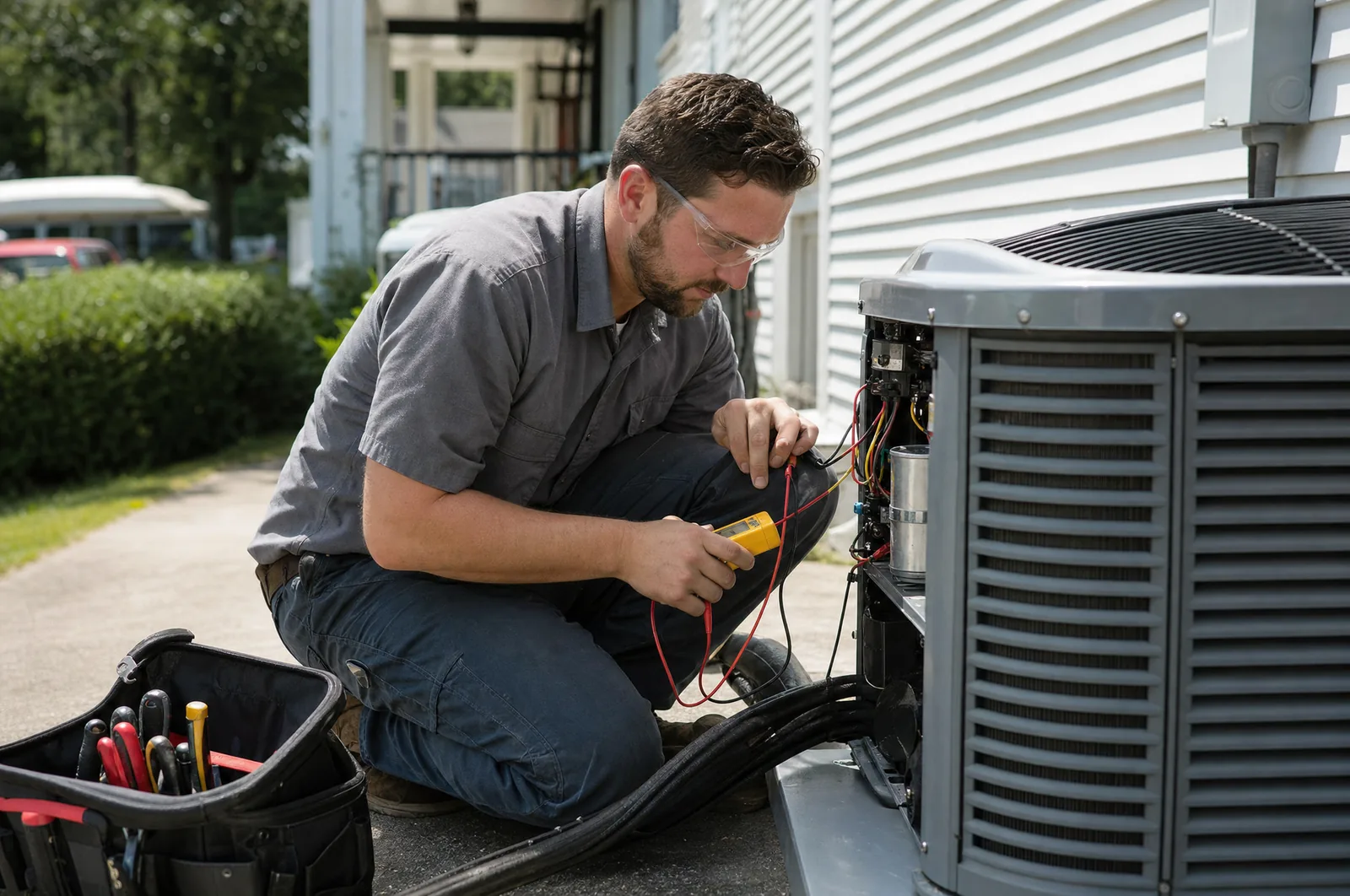
You are on the tools all day and writing quotes at night. Chasing customers for a review is the first thing that gets dropped.
Someone searches for a plumber nearby. The businesses with many recent reviews are listed first and get the call.
The business name and the numbers on the cards are examples.
Why reviews
Reviews are one of the few things that bring you jobs without buying ads or paying for leads. Collecting them took time you do not have. We take that work off you.
A customer comparing three businesses sees your rating and your number of reviews first. A strong, recent set of reviews makes yours the easy call.
Google says it plainly: more reviews and positive ratings can help your local ranking. Source: Google Business Profile Help
Reviews from real customers answer the question every new customer has: can I let this person into my home?
Every job that comes in through Google is a job you did not pay a lead fee for. Work it out with your own numbers below.

Enter your own numbers. The two values are only an example.
Additional revenue per year
$12,000
The plan costs $1,188 per year. That is 10.1 times what you pay.
This is your own estimate, not a promise. How many customers find you through Google depends on your area and your trade.
After every job
You choose the days and the hours in your settings. Reminders stop the moment the customer opens the link.
About an hour after you add the customer, they get a short text with a link to your Google review form.
Customers who have not opened the link get one friendly reminder. Those who have are left alone.
After the second reminder the customer hears nothing more about it, and is not asked again for six months.
Hi Sara, thank you for choosing Lakeside Plumbing. If you have a minute, we would appreciate your honest feedback on Google: starsfirst.com/r/k3Tz9Qa Reply STOP to opt out. Sent via StarsFirst.
Hi Sara, a quick reminder from Lakeside Plumbing: your feedback helps other customers find us. You can leave it here: starsfirst.com/r/k3Tz9Qa Reply STOP to opt out. Sent via StarsFirst.
Hi Sara, last reminder from Lakeside Plumbing. If you would like to share how the job went, here is the link: starsfirst.com/r/k3Tz9Qa Thank you either way. Reply STOP to opt out. Sent via StarsFirst.
Example with a made-up business and customer.

How it works
Paste the "Ask for reviews" link from your Google Business Profile into your settings and add us as a manager of the profile.
When the job is done, type the first name and mobile number of the customer into your phone and tick the box that they agreed. It takes a few seconds.
The request and the reminders go out during your daytime hours. Reminders stop as soon as the customer opens the link.
Requests, last 30 days
128
Customers who opened the link
57
Open rate
45%
| Customer | Mobile | Status | Messages | Next message |
|---|---|---|---|---|
| Sara | +1 ••• ••• 0123 | Clicked | 1 of 3 | None |
| Miguel | +1 ••• ••• 4410 | Active | 1 of 3 | Oct 9, 10:30 AM |
| Dana | +1 ••• ••• 7782 | Scheduled | 0 of 3 | Today, 3:15 PM |
| Priya | +1 ••• ••• 9034 | Completed | 3 of 3 | None |
Your overview in the app, shown here with sample data.
Features
The work happens in the background. You keep doing the jobs.
Up to two reminders on the days you choose. They end the moment the customer opens the link.
Pick the language per customer. Both versions say the same thing in the same tone.
Hola Miguel, gracias por elegir Lakeside Plumbing. Si tiene un minuto, le agradeceríamos su opinión sincera en Google: starsfirst.com/r/Qm7xL2e Responda STOP para no recibir más mensajes. Enviado por StarsFirst.
Messages go out inside the hours you set, in your time zone. Nothing arrives at night.
A customer who was asked is not asked again for six months by default.
A customer who replies STOP is taken off your list and stays off it.
Your office and your techs add customers from their own phones. Only you change settings and billing.
Included in the $99
Reviews land on your Google profile, so the profile has to be right. A person on our crew keeps it that way. You do not pay extra for it.
We go through categories, service area, opening hours, services, description and contact details and correct what is missing or wrong.
Send us photos of finished jobs, your truck and your crew. We add them to the profile and replace the ones that are out of date.
Holiday hours, a new service, a bigger service area. Send us an e-mail and we update the profile for you.
We write a reply to each new Google review in your business name. Until Google lets us post for you, it comes ready to paste.
Once a month we check that the information is still complete and correct, and tell you if something needs your attention.
You add us as a manager of your profile. You stay the owner and can remove us at any time.
Included in the $99
The text message reaches the customer later. The card reaches them while you are still standing there.
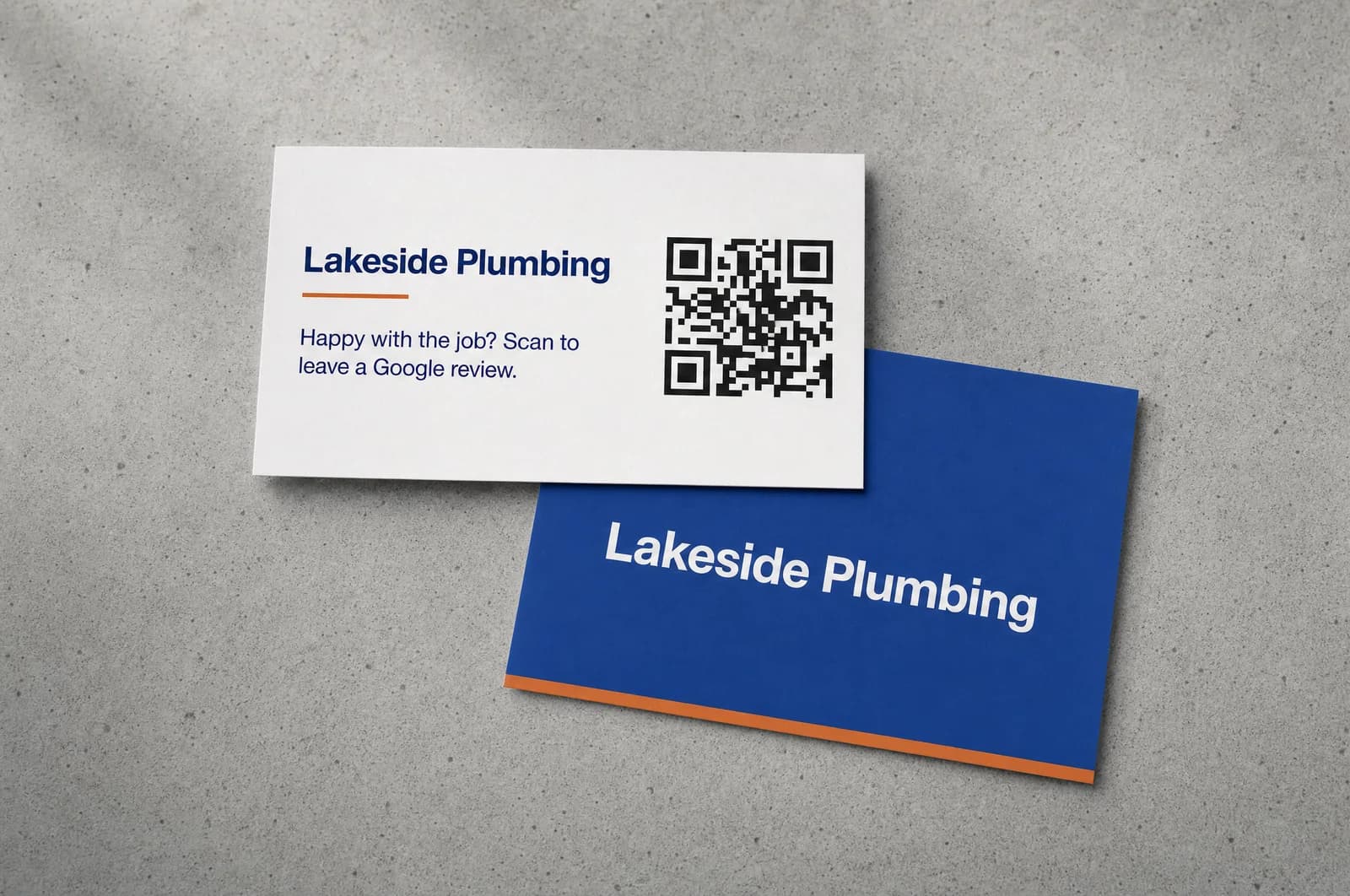
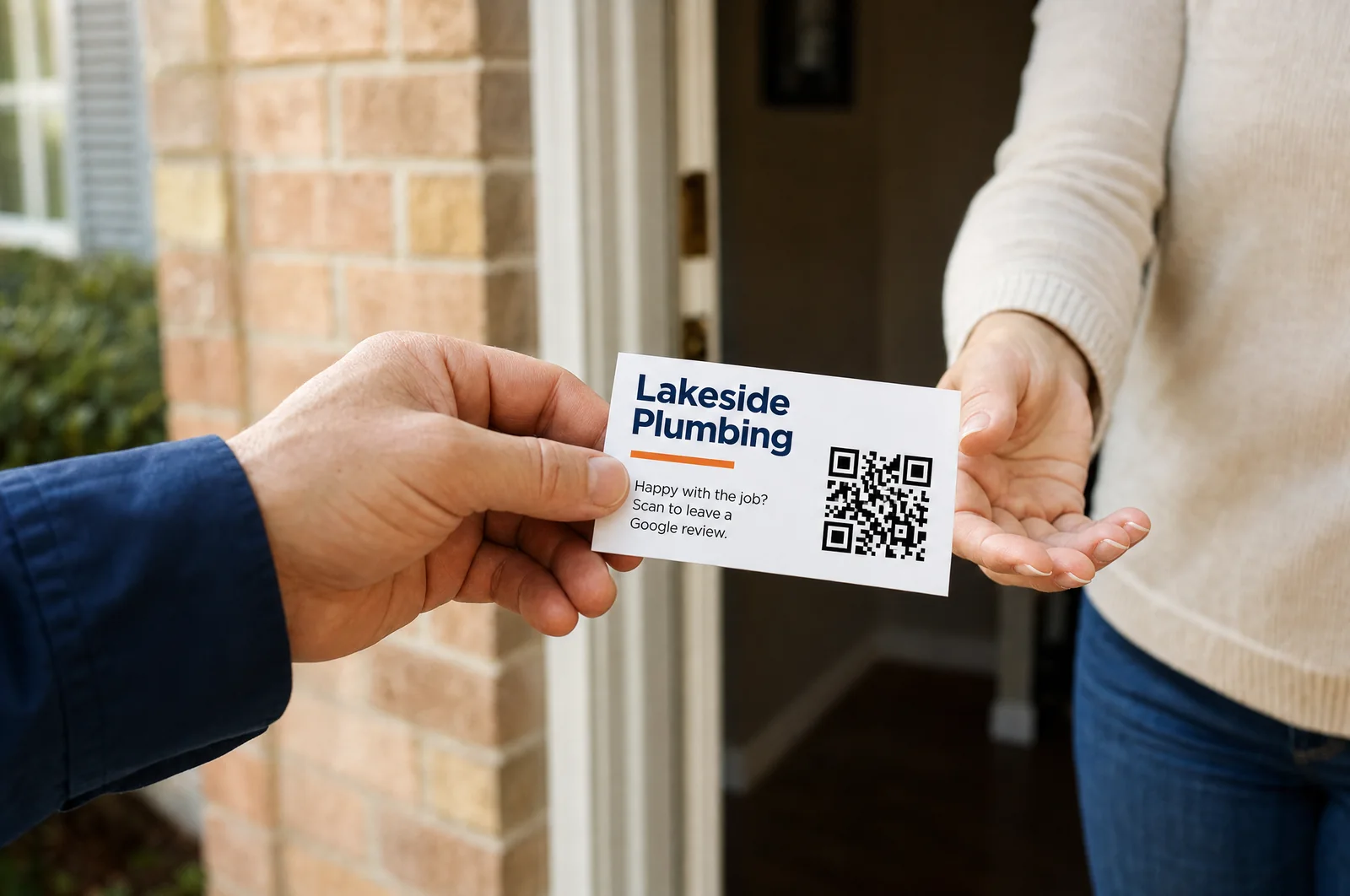
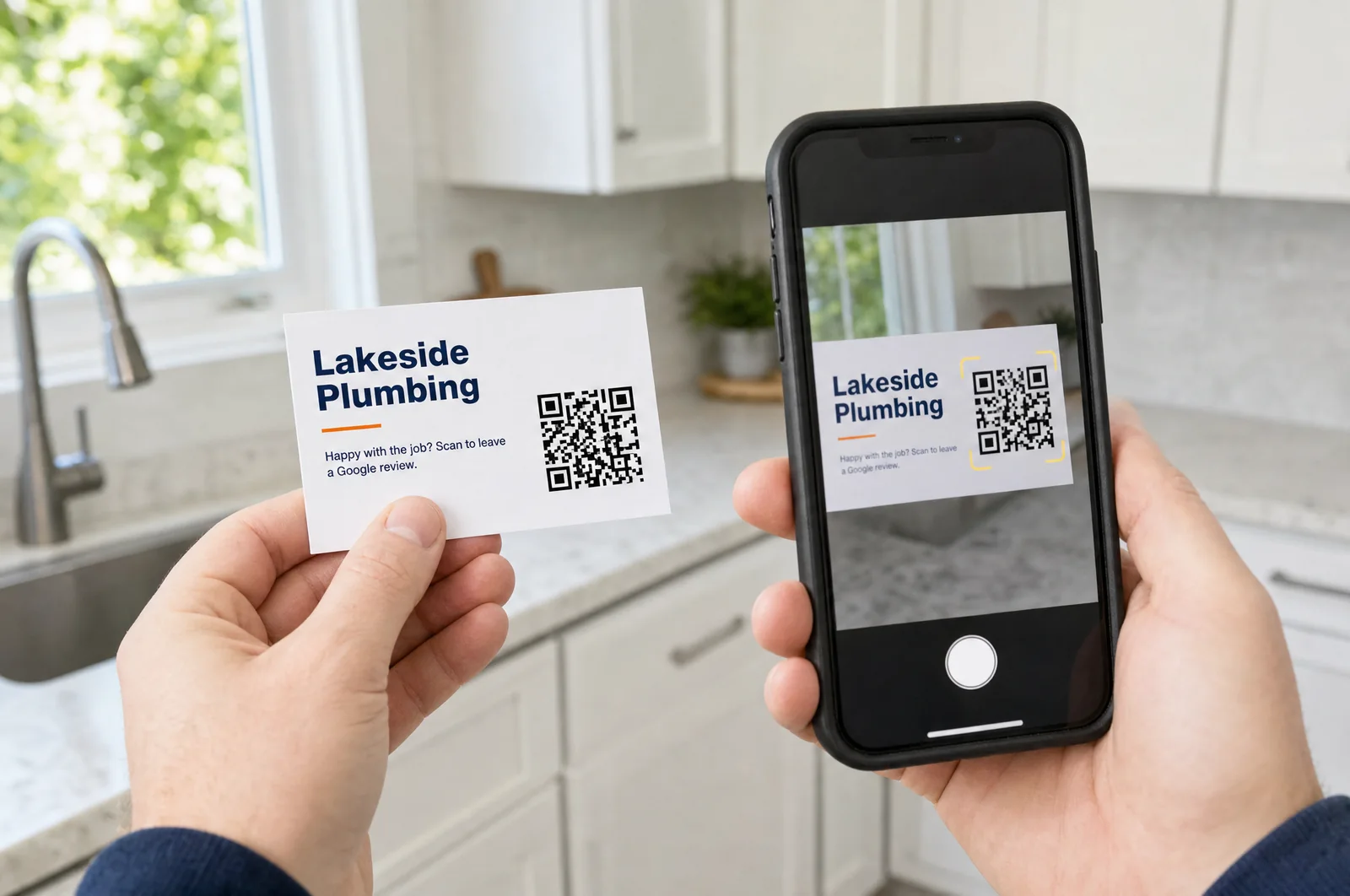
Example photos with a made-up business. Your cards carry your own name and your own QR code.
Fair play
Reviews only help if they are real and stay up. So we do this the way Google allows.
We do not sort customers by how satisfied they are. Everyone gets the same link to the public review form, as Google requires.
The messages offer nothing in return for a review. Google does not allow it, and reviews won that way can be removed.
We store the first name, the mobile number, the language and the time the customer agreed. Nothing about the job, the address or the invoice.
Pricing
Review requests and the care of your Google Business Profile, for one monthly price. No setup fee and no contract.
StarsFirst
$99per month
For one business. Billed monthly through Stripe.
No contract. Cancel any time.
By text message to the mobile number you enter. The message names your business and contains a link that opens your Google review form directly.
No. There is nothing to install or connect. When a job is done, you type the customer into a short form on your phone. If you already use software for scheduling or invoicing, this simply runs next to it.
A full check of the profile when you start, adding and replacing the job photos you send us, changes on request such as holiday hours or a new service, and a look once a month to see that everything is still correct. It is part of the monthly price.
100 business cards with a QR code are included once per account. We make them for you when you sign up: enter your company name and phone number, check the card and approve it, and we mail you the printed set. You can also download the print-ready file. A customer scans the QR code with the phone camera and lands on your Google review form. The code forwards to your Google review form for as long as your subscription is active. If you cancel, the code stops forwarding, and if you start again later it works again. If your Google link changes, the printed cards keep working.
No. You add us as a manager of your Google Business Profile. You stay the owner and can remove us at any time.
We cannot promise a number. What Google itself says is that more reviews and positive ratings can help your local ranking, and customers comparing businesses look at reviews first. You can estimate what additional jobs are worth to you with the calculator on this page.
No. Every customer gets the same link to the public Google review form. Sending only satisfied customers to Google is called review gating and Google does not allow it.
No. Google does not allow reviews in exchange for incentives, and the message texts are fixed so that this cannot happen by accident.
At most three per request: the first message and up to two reminders. Reminders stop when the customer opens the link. After a request, the same customer is not asked again for six months unless you shorten that period.
Every message says how to opt out. A customer who replies STOP is taken off your list and is not contacted again. You can also mark a customer as "do not contact" by hand.
Yes. You confirm for every request that the customer agreed to receive the text message. Without that confirmation the request cannot be saved.
Yes. You can give everyone their own login at no extra cost. They can add customers; only you can change the settings and the billing.
Only inside the hours you set, in your time zone. The default is 9 AM to 8 PM. A request added late in the day goes out the next morning.
Each location with its own Google Business Profile needs its own account, because reviews belong to one profile.
In your account under Settings, Billing. The subscription ends at the close of the paid month and no further messages are sent after that.

Create your account, paste your Google review link and add the customer from your next job. We take care of your Google profile from there.